Client portal
What your clients see when they sign in, on a phone or a desktop, in your firm's colours and with your logo.
The portal is the client's side of WealthY: their accounts, what you are waiting on from them, their requests and documents, a secure line to you, and Ask WealthY for their own questions. It carries your firm's colours, logo and tab names, and it is built phone-first.
Getting in
- You add the client (Contacts > Add client) and they receive an invitation from your firm's address.
- They choose a password. Two-step sign-in with an authenticator app is available. Forgotten passwords reset by email.
- They sign in at wealthy.to, or at your firm's own address if you have one.
Home
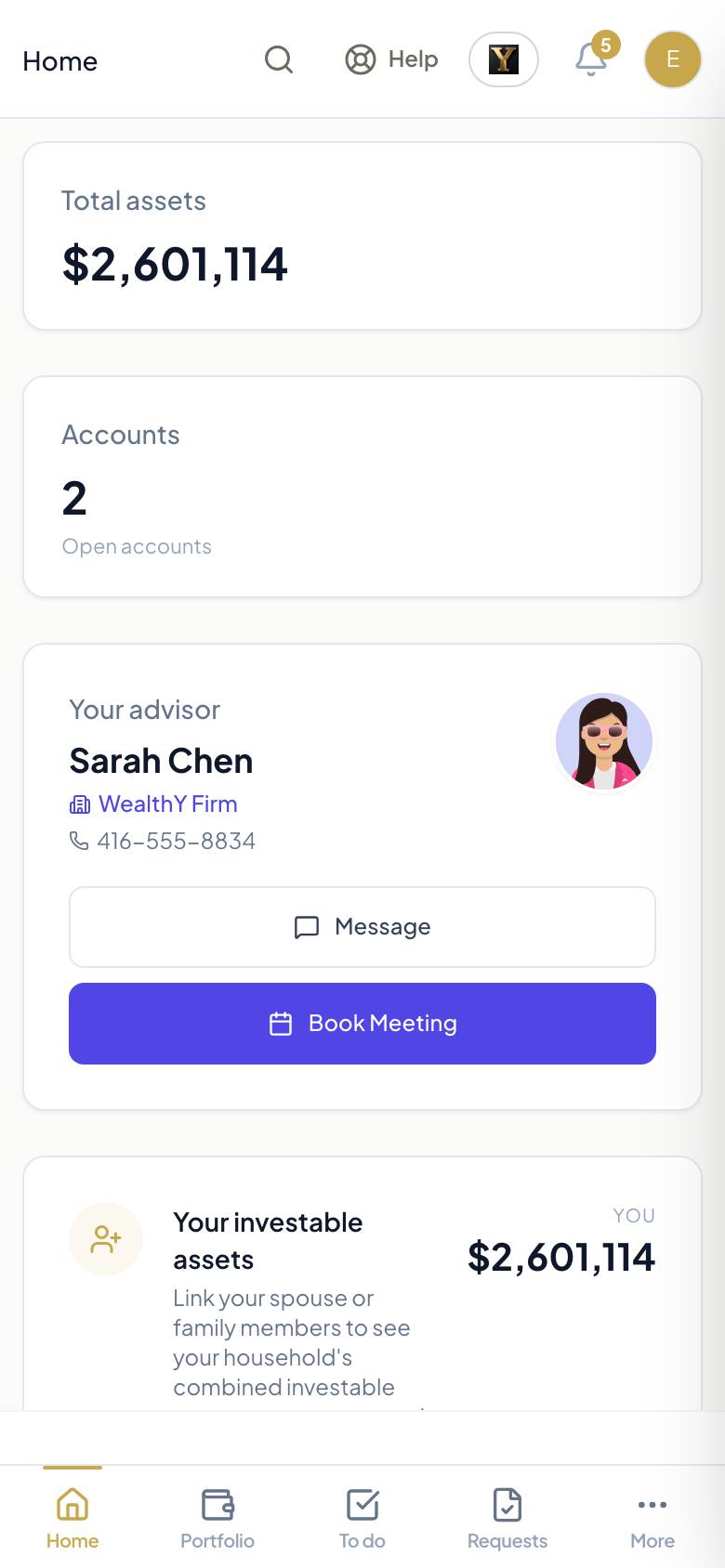
The first screen is laid out by the firm. The default shows total assets, open accounts, the advisor card with Message and Book meeting, the value over time, the allocation, and the household view. A card at the top lists what the advisor needs from them, if anything.
To do
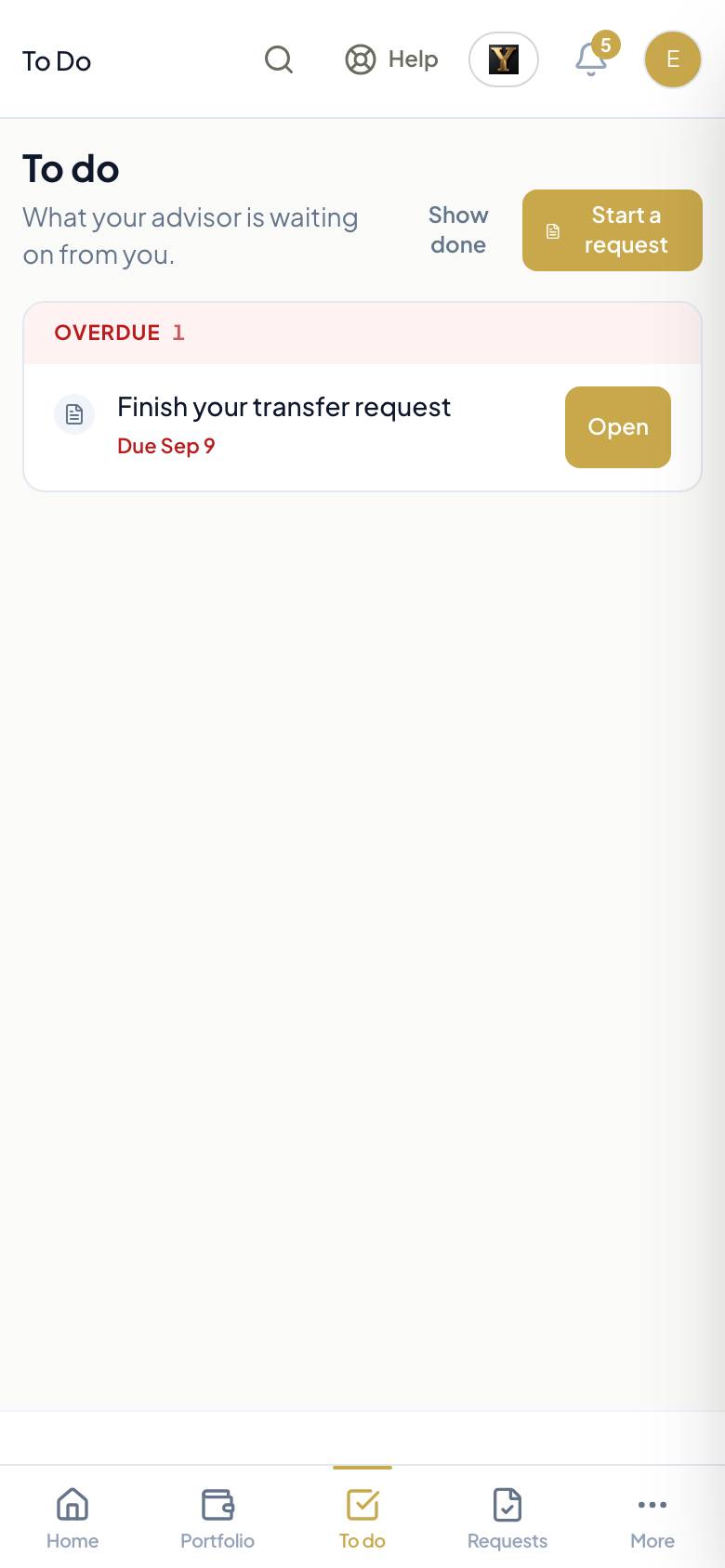
Everything you are waiting on, in one list with dates: a request to review and sign, information to confirm, a questionnaire to answer, a meeting to book, a task you assigned. Each row has one button that does it. Items you create in the follow-up land here on their own.
Portfolio
Accounts, holdings and performance, when the firm has a custodian feed. Time-weighted and money-weighted returns over the period the client picks, with an as-of stamp on every figure.
Requests
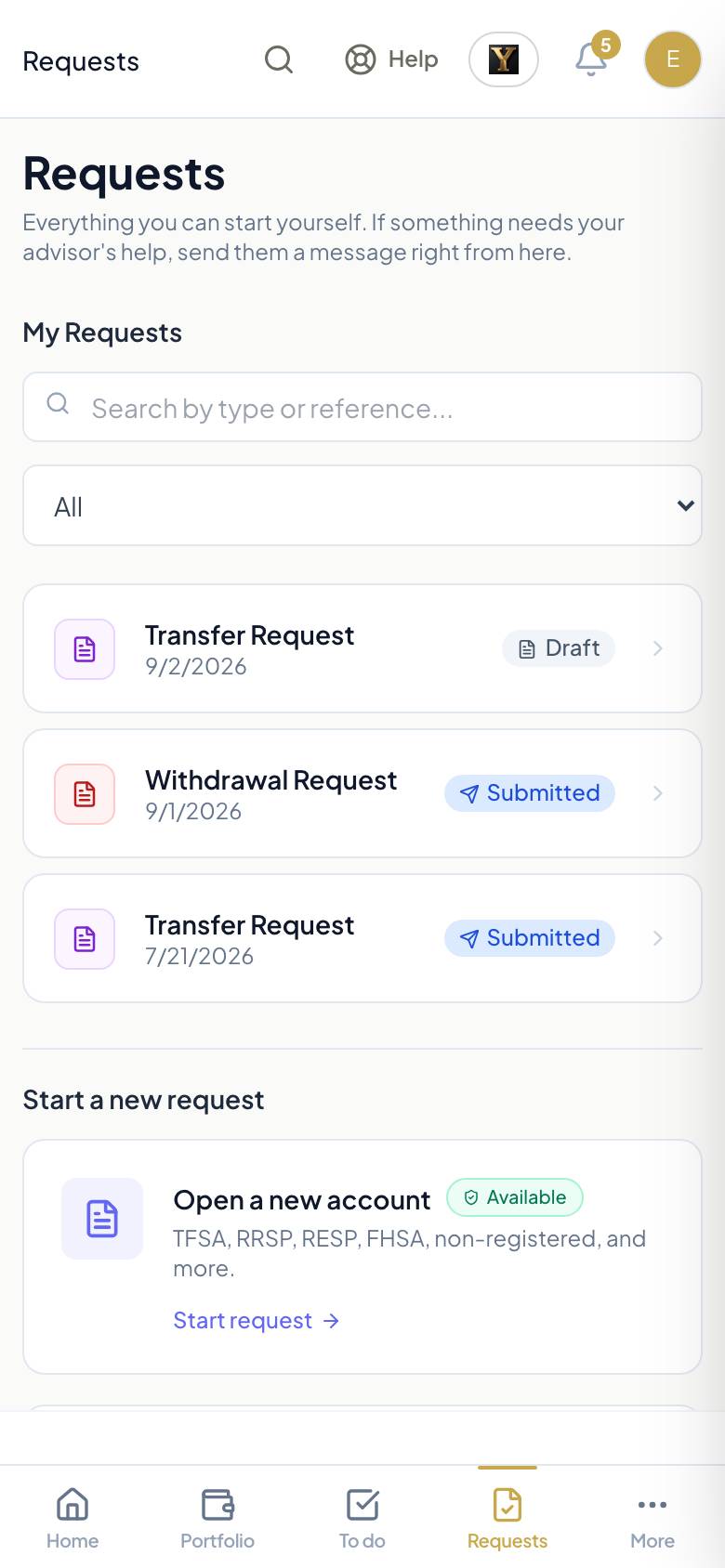
Start an account opening, a transfer, a deposit, a withdrawal, regular contributions or regular withdrawals, a change of address or beneficiary. The client answers plain-language questions; WealthY fills the dealer's paperwork; the client signs on the screen. Each request shows where it is: submitted, under review, sent to custodian, done. The firm decides which request types clients may start.
Documents, Messages, Activity, Reports, Insurance
- Documents: statements, signed forms and anything you share, in one place.
- Messages: a secure conversation with you, kept in WealthY.
- Activity: deposits, withdrawals and transfers submitted through the platform.
- Reports: the reports you schedule for them, delivered on your cadence.
- Insurance: policies on file, when the firm turns the section on.
Ask WealthY for clients
The client asks about their own accounts, holdings, documents and open items, and gets an answer from their data. Nothing about anyone else is reachable. You see what they asked on the prep for the next meeting.
Settings
Profile, language (English or French), password and two-step sign-in, and the bank accounts on file for deposits and withdrawals, shown as the last digits only.
What the firm controls
- Branding: colours and logo, under Settings > Branding. The portal, the recap pages and the PDFs all follow.
- Tabs: rename or hide portal tabs, and lay out the Home cards, under Settings > Client page.
- Request types: which requests a client may start, under Operations > Request settings.
- Sections: portfolio, insurance, messages and reports appear only where the plan and the firm allow.